EPF Claim Rejections Rising? Update Your PF KYC Online Through UAN in 5 Easy Steps
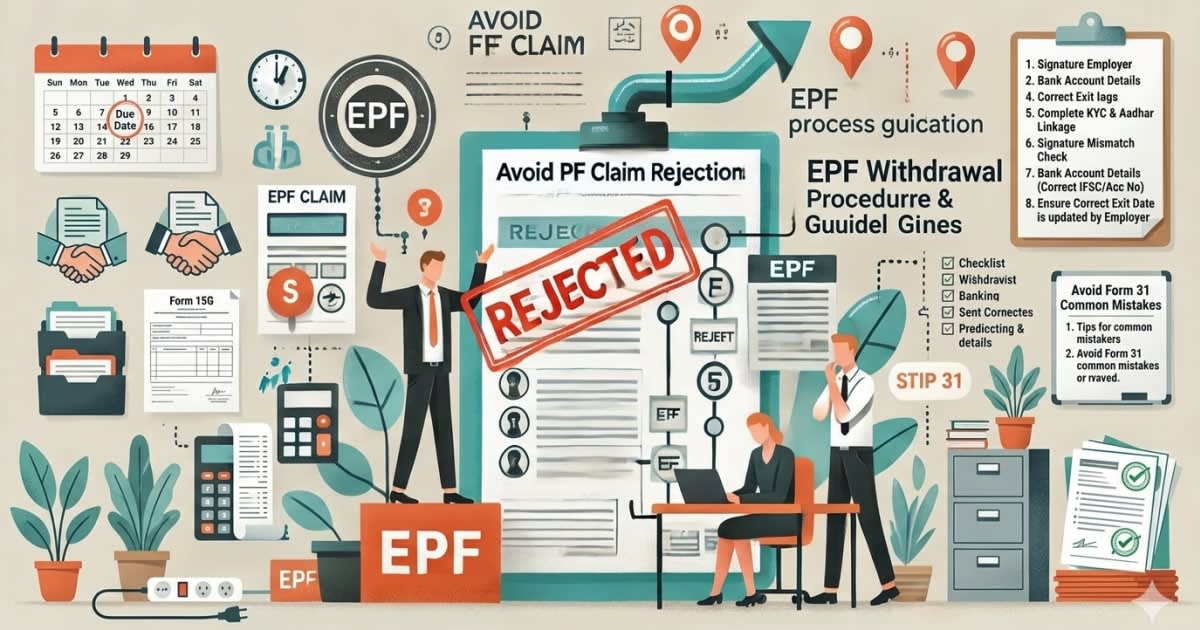
Employees’ Provident Fund (EPF) members may face delays or rejection of withdrawal, transfer, or settlement claims if their KYC details are incomplete or do not match Aadhaar records. To reduce such issues, the Employees’ Provident Fund Organisation (EPFO) allows members to update KYC information online through the Universal Account Number (UAN) portal.
With millions of salaried workers depending on EPF for retirement savings and emergency withdrawals, ensuring correct KYC records has become an essential financial task.
Why PF Claims Get Rejected
Before processing claims, EPFO verifies member information such as:
Full name
Date of birth
Gender
Aadhaar number
PAN details
Bank account information
If these details differ from official records, claims may be delayed or rejected for correction. According to EPFO, the organisation maintains nearly 29.88 crore member accounts, making automated verification crucial for faster settlements.
Why KYC Update Is Important
Updated KYC helps in:
Faster PF withdrawal processing
Smooth transfer when changing jobs
Auto claim settlement eligibility in some cases
Avoiding manual verification delays
Reduced risk of rejected claims
For many employees, KYC errors are discovered only when they urgently need PF money—during resignation, unemployment, home purchase, or medical needs.
5-Step Process to Update PF KYC Online via UAN
Members can update details digitally through the EPFO unified portal.
Step 1: Visit EPFO Member Portal
Go to the EPFO member unified portal and log in using your:
UAN number
Password
Captcha code �
Unified Portal
Step 2: Open KYC Section
After login, navigate to the Manage tab and choose the KYC option.
This section allows linking of approved identity and financial documents.
Step 3: Add Missing Information
You can enter details such as:
Aadhaar
PAN
Bank account number
IFSC code
Passport (where applicable)
Driving licence or other accepted IDs (subject to portal availability)
Ensure the information exactly matches supporting documents.
Step 4: Submit for Verification
After entering details, submit the request. Some fields may require employer or system verification before approval.
Step 5: Check Approval Status
Once verified, the updated KYC status should appear as approved in your account dashboard. Only then is it considered fully linked.
Aadhaar Matching Is Critical
Experts say the most common issue comes from mismatch in:
Name spelling
Initials vs full surname
Wrong date of birth
Gender mismatch
Since Aadhaar is widely used as the primary identity check, members should ensure EPF records match Aadhaar exactly.
Documents You Should Keep Ready
Before starting the update process, keep these handy:
Aadhaar card
PAN card
Cancelled cheque / passbook copy
Active mobile linked to Aadhaar
UAN login credentials
Common Mistakes to Avoid
1. Nickname Instead of Official Name
Use your legal name as per Aadhaar/PAN.
2. Wrong Bank Account Number
This can delay settlements significantly.
3. Inactive Mobile Number
OTP-based verification may fail.
4. Ignoring Pending Status
Submitted details still need approval.
5. Waiting Until Claim Time
Update records in advance rather than during emergencies.
How Long Can It Take?
Timelines vary depending on:
Employer approval speed
Aadhaar authentication success
System processing load
Type of correction requested
Simple updates may reflect quickly, while mismatches may require additional action.
Bigger Digital Push by EPFO
EPFO has been increasing digital services recently, including new initiatives to trace and link old PF accounts, simplify corrections, and improve online access for members.
Final Takeaway
Your PF balance may be one of your largest long-term savings assets. A small mismatch in KYC details can create major trouble when you need funds urgently.
Updating KYC through the UAN portal is a simple step that can save time, stress, and claim rejection later. For salaried employees, checking PF records once every few months is now a smart financial habit.

Nikunjj Jhawar is a Chartered Accountant (CA) and Chartered Financial Analyst (CFA) with nearly two decades of experience in the financial services industry. Having worked with global institutions such as HSBC and Credit Suisse in investment-related roles, he brings deep expertise in finance and markets. He is the Founder of mangopeoplenews.com, where he focuses on making complex topics in finance, markets and business accessible and relevant to everyday readers.